How to Clone Your Voice with ElevenLabs (Step-by-Step Guide)
ElevenLabs voice cloning lets you generate speech in your own voice without ever sitting in front of a mic again. You upload a sample, the AI learns your voice, and from that point you can type anything and hear it back in your own words. I’ll walk you through the exact steps — including which plan you actually need, how long to record, and the mistakes that ruin results before you even finish. Based on ElevenLabs’ current interface and documentation as of June 2026.
Quick answer:
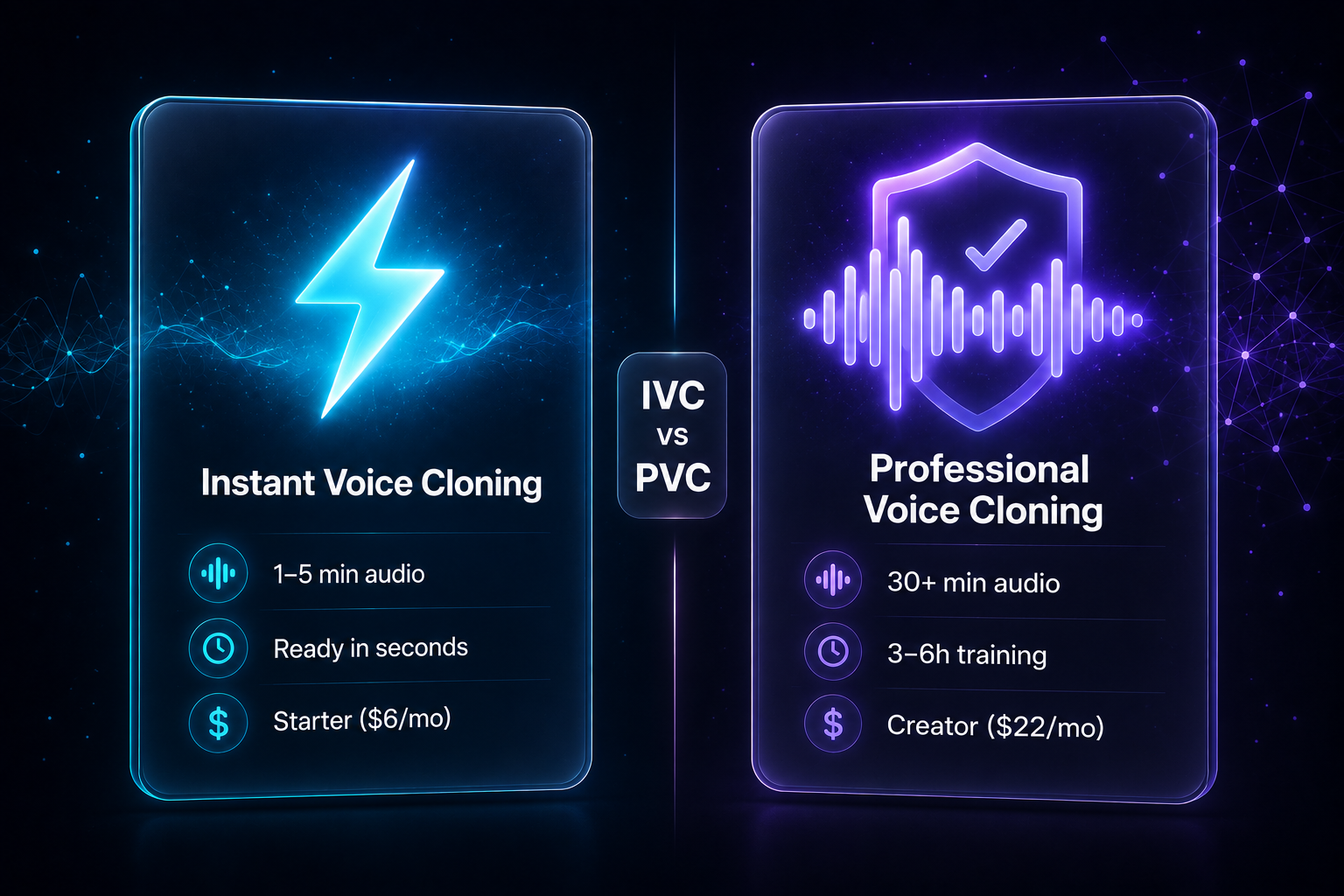
ElevenLabs voice cloning comes in two modes: Instant (Starter, $6/mo, ready in seconds) and Professional (Creator, $22/mo, 3–6h training). Sign up → upgrade → record a clean sample → upload → generate. The free plan has no voice cloning at all.
What Is ElevenLabs Voice Cloning? (The Short Version)
ElevenLabs offers two distinct cloning modes, and which one you choose matters more than anything else in this guide.
Instant Voice Cloning (IVC) — upload 1–5 minutes of audio, and the clone is ready in under a minute. It doesn’t train a custom model on your voice; instead, it pattern-matches from ElevenLabs’ existing training data. The result is good for personal projects, YouTube drafts, and quick content. For most voices, it works well. For unique accents or very distinctive vocal qualities, it can sound slightly off.
Professional Voice Cloning (PVC) — upload 30+ minutes of clean audio, and ElevenLabs trains a dedicated model specifically for your voice. It takes 3–6 hours to complete, but the output is virtually indistinguishable from the source. This is what professional creators use for audiobooks, branded content, and long-form narration.
One important constraint: Professional Voice Cloning is for your own voice only. You’ll go through a consent verification step that confirms you own the voice you’re cloning. If you’re doing client work, you can use Instant Voice Cloning with their sample — but the quality gap is noticeable.

What You Need Before You Start
Before touching the ElevenLabs dashboard, sort these out:
- A decent microphone. A USB mic (like a Blue Yeti or even a budget $30 option) is dramatically better than a built-in laptop mic. The clone can only reproduce what it hears — a thin, noisy input produces a thin, noisy clone.
- A quiet, non-echoey space. Room reverb bakes into the clone permanently — there’s no “remove reverb” option after the fact. A closet full of clothes, a small bedroom with a duvet on the bed, or recording under a heavy blanket all work surprisingly well.
- Your recording length planned. IVC: aim for 3–5 minutes minimum (1 minute is the technical minimum, but more is better). PVC: 30 minutes minimum, 60 minutes recommended.
- The right plan. The free plan includes no voice cloning at all. You need at least Starter ($6/mo) for IVC, or Creator ($22/mo) for PVC.
Step 1 — Create Your ElevenLabs Account
Go to elevenlabs.io and sign up with email or Google. The free account is useful for testing text-to-speech with library voices, but you won’t be able to clone your own voice until you upgrade.
If you want Instant Voice Cloning: upgrade to Starter ($6/mo) from your profile menu. If you want Professional Voice Cloning: upgrade to Creator ($22/mo). Creator is also the better deal for regular users — 121k credits/month versus Starter’s 30k, and the first month is currently 50% off.
Step 2 — Record Your Voice Sample
This step determines everything about your clone’s quality. A bad recording can’t be fixed after the fact.
- Record in a consistent environment. Same room, same mic position, same energy throughout. If you record half your sample calm and half excited, the model gets conflicting signals and the result sounds like neither.
- Use a pop filter. Plosives (“p,” “b,” “t” sounds) and breath hits directly damage the clone. A $10 pop filter eliminates this entirely.
- Include varied content. Read questions, statements, and sentences with different energy levels. The model needs to hear your full range — monotone reading for 30 minutes gives it a monotone clone.
- Don’t post-process your audio. No denoiser, no iZotope, no compression. ElevenLabs recommends clean, unprocessed recordings. Enhancement plugins confuse the model more than they help.
- Read naturally, not “professionally.” The stiff, careful voice you use when you know you’re being recorded is exactly what you’ll get back. Talk conversationally, use contractions, let your natural rhythm show.
Step 3 — Upload and Create Your Voice Clone
In ElevenLabs, go to Voices → Add Voice and choose your cloning mode.
For Instant Voice Cloning (IVC):
- Select “Instant Voice Cloning”
- Name the voice (e.g., “My Voice — Conversational”)
- Upload your audio file (or record directly in the browser)
- Add labels: accent, age, gender — these help the model calibrate
- Tick the consent checkbox confirming you have the right to clone this voice
- Click “Add Voice” — your clone is ready in under a minute
For Professional Voice Cloning (PVC) — available on Creator ($22/mo) and above:
- Select “Professional Voice Cloning”
- Upload your audio files in 10-minute segments (the platform accepts up to 50MB per file)
- Complete the voice verification step — you’ll record a short consent phrase like “I, [your name], confirm that I own this voice and consent to its use.” This confirms you’re not cloning someone else’s voice without permission.
- Submit — training takes 3–6 hours. ElevenLabs sends an email when it’s done.
Step 4 — Fine-Tune Your Clone Settings
Once your clone is created, open it in the TTS (Text to Speech) interface. Two sliders control how your clone sounds:
- Stability — Controls consistency vs. natural variation. Higher stability = more robotic and consistent. Lower stability = more expressive but less predictable. For narration: 0.4–0.7. For conversational or dialog content: 0.2–0.4.
- Similarity Boost — Controls how strictly the output matches your training audio’s timbre. Raise this if the clone doesn’t sound enough like you. For branded or professional use: 0.75 or above. For a more natural-sounding result: nudge up to ~0.95 if the default sounds slightly off.
- Style — Amplifies emotional expressiveness. Keep this low (0.1–0.2) for narration; raise it for storytelling or character work where emotion matters.
- Speaker Boost — Toggle on for close-mic clarity. Helps pronunciation sharpness but can occasionally reduce warmth.

Step 5 — Generate Speech with Your Cloned Voice
With your clone tuned, generating audio is straightforward. In the ElevenLabs Studio or the Speech Synthesis interface, select your cloned voice, paste your script, and click Generate.
For long-form content: break scripts into paragraphs before generating. Generating shorter segments and joining them in your audio editor consistently produces better results than pasting one giant text block. It also helps you catch pronunciation issues early — some technical terms or proper nouns may need phonetic spelling or manual correction.
How to Make Money with a Cloned Voice
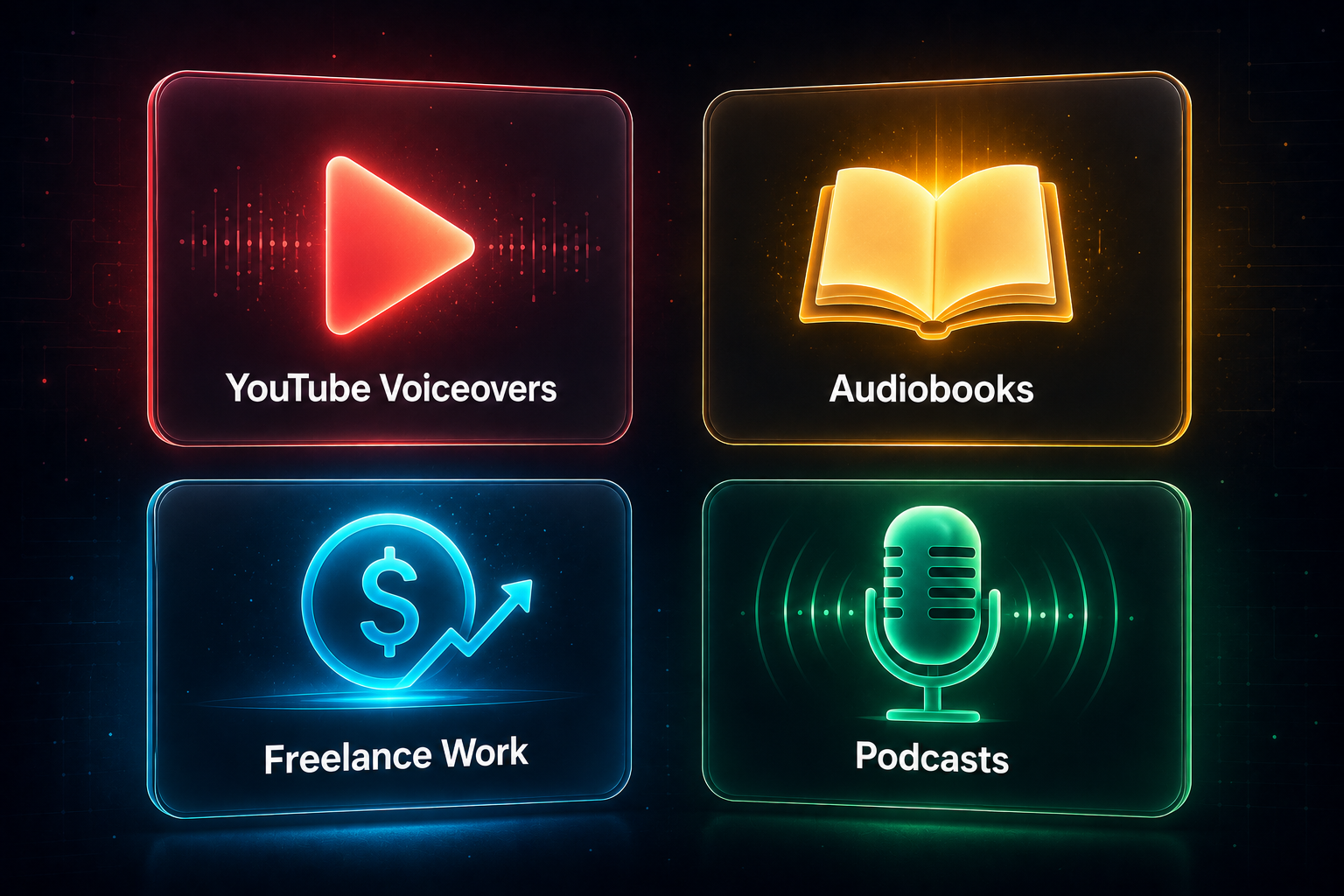
A cloned voice is an asset — it removes the bottleneck of sitting down to record every time. Here are four income streams where it makes a real difference.
YouTube Voiceovers
YouTube channels built around information content (tutorials, explainers, reviews) are often limited by recording time. With a cloned voice, you can generate voiceover for a 10-minute video in the time it takes to write the script. Creators in this model typically earn through AdSense ($2–$8 CPM depending on niche) and affiliate links — content volume matters, and cloning removes the production bottleneck.
Audiobook Narration
Audiobook production typically requires hiring a narrator or spending 4–6 hours in a recording session per finished hour of audio. With Professional Voice Cloning, you can produce an entire book in your own voice without re-recording. Self-published authors list on ACX (Amazon’s audiobook platform) or Findaway Voices. A typical 60,000-word book generates $300–$1,000+ at retail royalty rates.
Freelance Voiceover Work
Platforms like Fiverr and Voices.com have active markets for AI-assisted voiceover, particularly for explainers, e-learning modules, and corporate training content. The pitch is speed: where a traditional turnaround is 24–48 hours, AI-assisted production can deliver the same day. Rates run $50–$300+ per finished minute depending on use case and exclusivity.
Podcast Content at Scale
If you host a podcast, a cloned voice lets you produce bonus episodes, repurpose blog content into audio, or fix mistakes without re-recording full takes. Some podcasters use this for listener perks or subscriber-only content where volume matters more than perfection.
ElevenLabs Pricing — Which Plan Do You Need for Voice Cloning?
| Plan | Price | Credits/mo | Voice cloning |
|---|---|---|---|
| Free | $0 | 10k | None — library voices only |
| Starter | $6/mo | 30k | Instant Voice Cloning (IVC) + commercial license |
| Creator | $22/mo | 121k | IVC + Professional Voice Cloning (PVC) |
| Pro | $99/mo | 600k | IVC + PVC + 44.1kHz PCM audio via API |
| Scale | $299/mo | 1.8M | IVC + 3 PVC slots + 3 workspace seats |
Prices verified June 2026 — confirm at elevenlabs.io/pricing before subscribing. Unused credits roll over for up to 2 months on paid plans. Creator plan currently 50% off for the first month.
For a full breakdown of every plan and what each credit allowance translates to in real production time, see: ElevenLabs Pricing 2026: Which Plan Is Worth It? →
ElevenLabs — free tier available
10,000 credits/month on the free plan. Voice cloning from $6/mo. No credit card required to try.
ElevenLabs Voice Cloning Limitations to Know Before You Start
- ElevenLabs voice cloning is a paid feature — the free tier has no cloning at all. A lot of people sign up expecting to test cloning for free and hit this wall immediately. You need at least Starter ($6/mo) for IVC.
- Room reverb is permanent. If your recording environment had audible echo, that echo is now part of your voice model. The only fix is re-recording in a better space. No post-processing toggle exists after the fact.
- PVC is for your own voice only. Professional Voice Cloning requires a consent verification step. If you’re doing client voiceover work, you’re limited to IVC for their voice — and the quality difference is noticeable, particularly for emotional delivery.
- Cross-language accent bleed. Clone an English speaker and generate Spanish text — the output will likely carry an English accent. For clean multilingual output, you’d need to train on audio in that specific language, or use an existing Voice Library voice for that language.
- IVC isn’t great for highly unique voices. Unusual accents, very distinctive vocal qualities, or rare speech patterns may not clone well with IVC. The model relies on patterns it’s seen in training data — if your voice is outside that range, PVC is more reliable.
Is ElevenLabs Voice Cloning Worth It?
ElevenLabs voice cloning is worth it for content creators who produce regular audio — YouTube videos, podcasts, online courses, audiobooks — even at $6/mo for IVC. The ability to generate accurate retakes, produce multiple versions of a script, or fix a line without re-recording saves real time. At the Creator level ($22/mo), PVC quality is close enough to broadcast-ready that most listeners can’t tell the difference on neutral content.
Where it doesn’t deliver: highly emotional or expressive performances (screaming, sobbing, extreme character delivery), technical jargon pronunciation, and voices with accents not well-represented in ElevenLabs’ training data. These still need real recordings or significant prompt engineering to work around.
✗ Look elsewhere if: You need to clone voices you don’t own, require broadcast-grade emotional range, or only need occasional casual voiceovers where library voices would work just as well.
FAQ
Do I need Professional Voice Cloning or is Instant Voice Cloning enough?
For most personal content — YouTube videos, social media, quick narration — IVC is sufficient. Upgrade to PVC when you need broadcast-quality consistency, plan to produce large volumes, or your IVC result sounds slightly off and adjusting the similarity slider doesn’t fix it.
How long does ElevenLabs voice cloning take?
ElevenLabs voice cloning with IVC is done in under a minute after upload. PVC: 3–6 hours of model training after you submit your recordings. ElevenLabs sends an email notification when training completes.
Can I clone someone else’s voice?
Legally, only with their explicit consent. PVC has a built-in verification step to confirm you own the voice you’re training. For IVC (used with client voices), written consent from the voice owner is your legal protection. Using cloned voices for impersonation or fraud is illegal in most jurisdictions.
What plan do I need to use my cloned voice commercially?
Starter ($6/mo) or above includes a commercial license for IVC. Creator ($22/mo) covers commercial use of PVC. The free plan explicitly excludes commercial use.
Can I cancel my ElevenLabs subscription anytime?
Yes. Your subscription stays active until the end of your current billing cycle, then downgrades to free. Unused paid credits expire on downgrade — they don’t carry over to the free tier.
ElevenLabs — start for free
Free tier: 10,000 credits/month. Voice cloning from $6/mo. No credit card required.
Free Newsletter
Stay ahead on AI voice tools — no spam, ever.
Read next