How to Use ElevenLabs: Step-by-Step Guide for Beginners
If you’ve heard about ElevenLabs but aren’t sure where to actually start, this guide is for you. I’ll walk you through the whole process — from creating your free account to generating your first AI voice — in plain steps with no fluff. You can be up and running in under 5 minutes. Here’s the honest guide on how to use ElevenLabs, based on ElevenLabs’ current interface.
Quick answer:
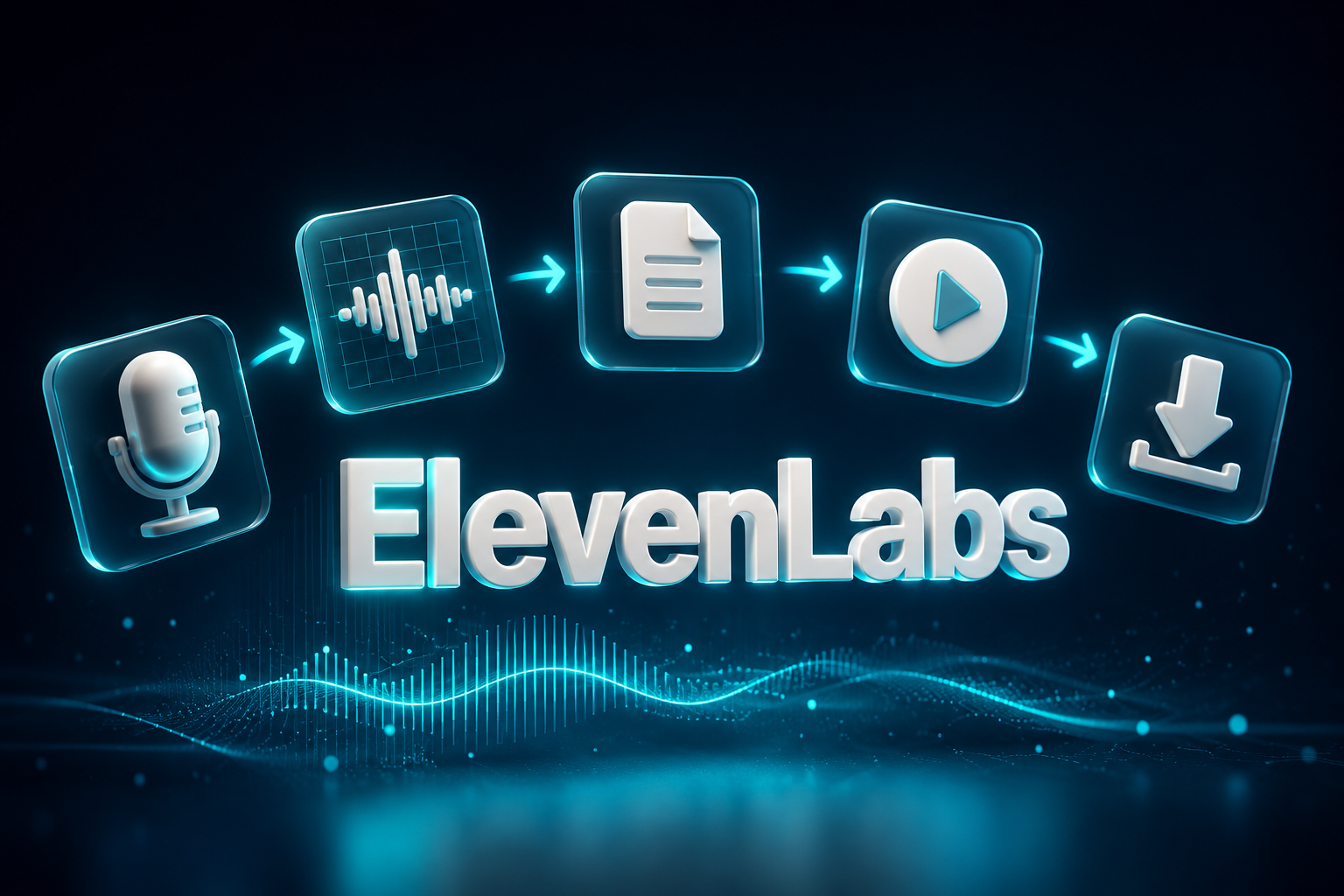
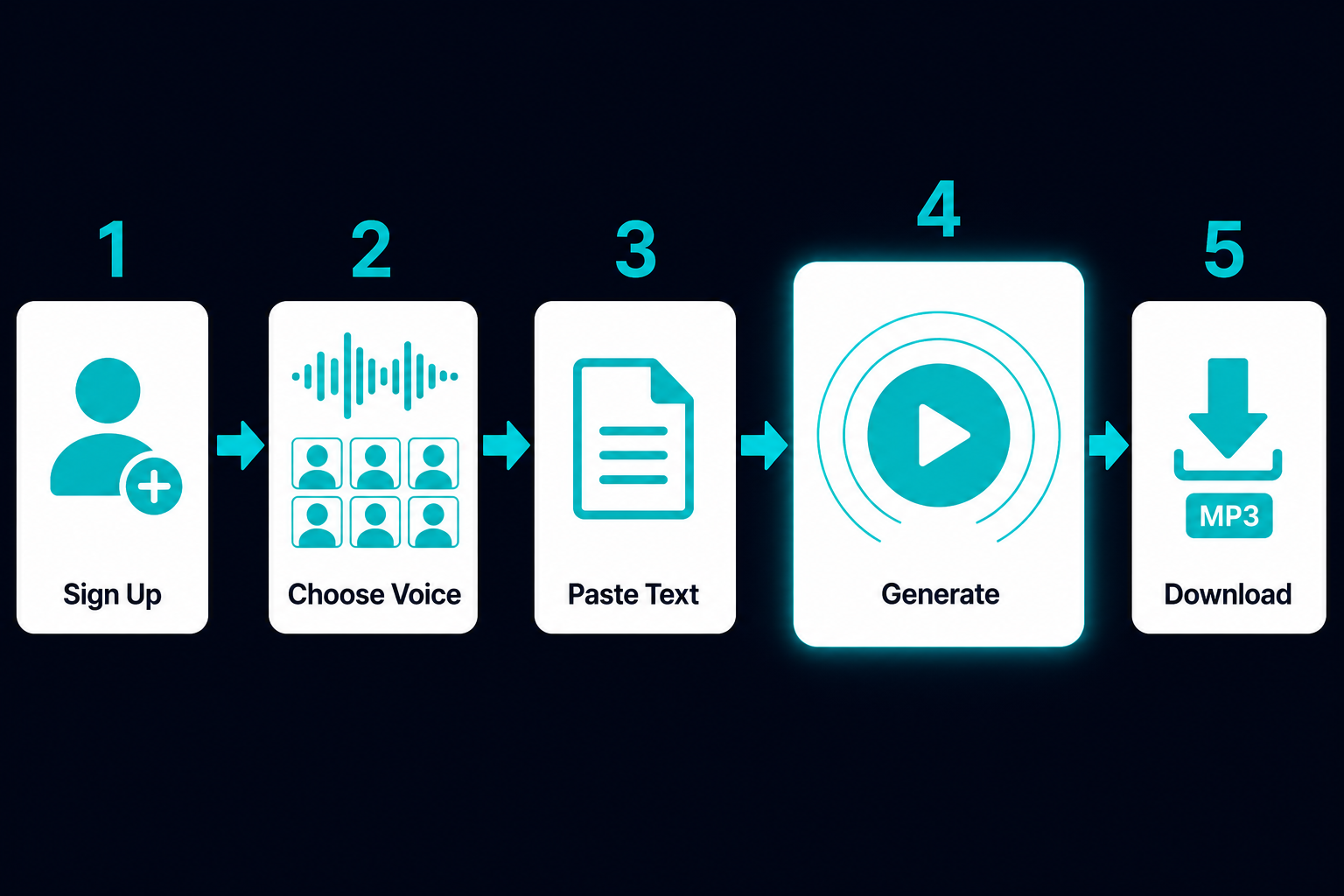
Sign up free → click “Text to Speech” → paste your text → choose a voice → hit Generate → download. The free plan gives you 10,000 credits/month — enough to properly test the tool before you decide to pay for anything.
What Is ElevenLabs? (The Short Version)
ElevenLabs is an AI voice generation platform that converts text into realistic-sounding speech. It was founded in 2022 and has quickly become the go-to tool for content creators, podcasters, and YouTubers who need professional voiceovers without hiring a voice actor.
What sets it apart: the voices don’t sound robotic. ElevenLabs uses a contextual model that picks up on punctuation, sentence structure, and surrounding words to generate speech that actually sounds like a person talking — not a text reader. The platform has over 11,000 voices across 32+ languages, and you can clone your own voice from a short audio sample.

Step 1 — How to Use ElevenLabs: Create Your Free Account
Go to elevenlabs.io and click “Get started free.” You can sign up with an email address or a Google account — no credit card required.
Once you’re in, you’ll land on the dashboard. The left sidebar is your main navigation: Text to Speech, Voice Lab, Studio, Dubbing, and API. For beginners, everything you need is in “Text to Speech.”
Step 2 — Choose a Voice from the Voice Library
In the Text to Speech interface, click the voice selector (it shows the currently active voice name). This opens the Voice Library — a searchable database of over 11,000 voices.
You can filter by:
- Language — 32+ languages including English, Spanish, French, German, Japanese, Vietnamese, and more
- Gender and age — male, female, young, middle-aged, old
- Accent — American, British, Australian, Indian, etc.
- Use case — narration, news, conversational, social media
Click “Preview” on any voice to hear a 5-second sample before selecting it. Once you find one you like, click “Add to My Voices” — then select it in the main interface.
Step 3 — Type Your Text and Generate Audio
Back in the Text to Speech panel, paste your script into the text box. The standard limit is around 5,000 characters per generation (about 750–800 words). For longer content, you’ll need to break it into chunks — or use Studio mode, which is designed for long-form projects.
This is the core of how to use ElevenLabs — once you’re happy with the text and voice:
- Select your model — “Eleven Multilingual v2” is the best general-purpose choice for most users. “Flash v2.5” is faster if you’re testing quickly.
- Click the Generate button (the play icon, purple).
- Listen to the preview in the built-in player.
- If you like it, click the download icon to save as MP3.
That’s the core workflow. Most beginners are surprised how fast it is — generation typically takes 5–15 seconds depending on text length.
Step 4 — Adjust Voice Settings for Better Results
Part of knowing how to use ElevenLabs effectively is understanding these four sliders. The defaults work fine for most use cases, but they’ll help when something sounds off.
- Stability — controls how consistent the voice sounds across generations. Lower stability = more expressive and varied. Higher stability = more predictable and monotone. For narration, 55–65% is a good starting point.
- Similarity — how closely the output matches the original voice sample. Higher similarity can introduce audio artifacts if pushed too far. 70–80% is usually the sweet spot.
- Style — amplifies the voice’s natural style. Useful for dramatic reads, but easy to over-do. Start at 0–20% and increase only if needed.
- Speed — controls speaking pace. Default is 1.0x; most content works well between 0.9x and 1.1x.
If you’re using the Eleven v3 model, you can also add inline audio tags directly in your text to control emotion and delivery:
[whispers]— for a hushed, intimate tone[excited]— energetic and upbeat[laughs]— natural laugh insertion[sighs]— for reflective moments
Example: “I tried it for the first time and [excited] I couldn’t believe how good it sounded.”
Step 5 — How to Clone Your Voice with ElevenLabs

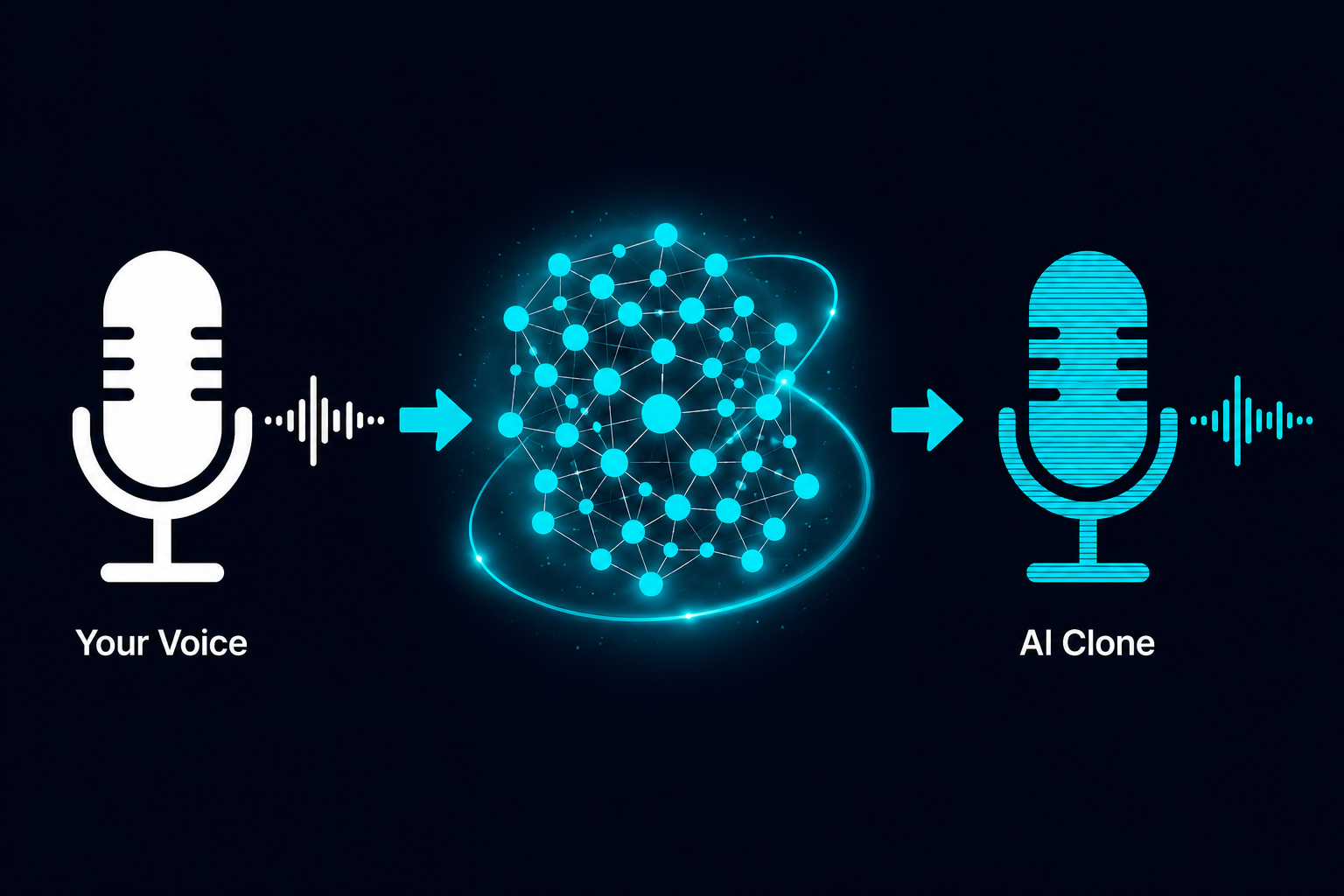
Voice cloning is one of ElevenLabs’ standout features. There are two versions:
Instant Voice Cloning — available on Starter plan and above (not available on the free plan). Upload 1–5 minutes of clean audio (no background music, no noise), and ElevenLabs creates a clone in minutes. It won’t be perfect, but it’s surprisingly usable for most content. Go to “Voice Lab” → “Add a Generative Voice” → “Instant Voice Clone.”
Professional Voice Cloning — available on Creator plan and above. You’ll need 30+ minutes of high-quality recorded audio. The output is significantly more realistic — close enough that the difference from the original voice is hard to detect. This is what professional voice actors use to create a licensable digital twin of their voice.
How to Make Money Using ElevenLabs
ElevenLabs isn’t just a tool — it’s an input for several real income streams. Here are four that work well for individual creators.
Faceless YouTube Channels
This is the most popular use case. Generate voiceovers for educational, explainer, or niche content (finance, history, science) without ever appearing on camera. Channels in monetizable niches earn $2–$8 CPM on average. A channel averaging 100K views/month at $4 CPM = $400/month from AdSense. ElevenLabs handles the narration; you handle the script and editing.
Podcast Production Service
Small businesses and solo entrepreneurs want podcasts but don’t want to record themselves. Offer a productized service: you write the script, generate the voiceover, edit the audio, and deliver a finished episode. Charge $75–$200 per episode. Five clients at one episode per week = $1,500–$4,000/month.
Audiobook Narration on ACX or Findaway
Self-published authors often can’t afford professional narration ($200–$500/finished hour). With ElevenLabs Professional Voice Cloning (Creator plan+), you can produce high-quality audiobooks at a fraction of the cost. Publish via ACX or Findaway Voices and earn royalties or per-hour fees. Verify any platform’s AI voice policy before submitting.
Social Media Voiceover Agency
Brands need short-form video content constantly — product demos, ad reads, Instagram Reels narration. Use ElevenLabs to produce professional voiceovers at scale. Charge per clip ($15–$50) or per project. Volume is the lever here — this scales well once you have a repeatable workflow.
ElevenLabs Pricing — Which Plan Should You Start With?
| Plan | Price | Credits/month | Key features |
|---|---|---|---|
| Free | $0 | 10,000 | TTS, Voice Design, Voice Library access — no commercial license, no voice cloning |
| Starter | $6/mo | 30,000 | Commercial license, Instant Voice Cloning, 20 Studio Projects |
| Creator | $22/mo | 121,000 | Professional Voice Cloning, extended credits for volume production |
| Pro | $99/mo | 600,000 | 44.1kHz PCM audio via API, 192kbps quality, high-volume production |
Prices verified June 2026 — confirm at elevenlabs.io/pricing before subscribing. Unused credits roll over for up to two billing cycles.
For a deeper breakdown of each plan and whether annual billing is worth it, see: ElevenLabs Pricing 2026: Which Plan Is Worth It? →
ElevenLabs — free tier available
10,000 credits/month on the free plan. No credit card required to start.
Limitations to Know Before You Start
- Free plan has no commercial rights. You can’t use free-plan output in monetized videos, client work, or anything you sell. You need at least the Starter plan ($6/month) for commercial use — this catches a lot of new users off guard.
- Credits run out faster than expected. 10,000 credits sounds like a lot until you realize that’s roughly 1,500 words of generated speech. One 10-minute YouTube script will eat through most of your monthly credits. Heavy users will hit the ceiling quickly on lower plans.
- Voice cloning needs very clean audio. Background music, room echo, or mic noise significantly degrades clone quality. Instant Voice Cloning especially — it’s sensitive to audio quality. If your source audio isn’t clean, the clone sounds artificial.
- Multilingual performance varies. English voices are consistently excellent. Quality drops noticeably for some languages, particularly in emotional range or accent accuracy. If you’re producing non-English content, test your specific language and voice combination thoroughly before committing.
- Studio mode has a learning curve. For long-form content (audiobooks, long-form narration), the Studio interface takes time to learn — it’s more powerful but less intuitive than the basic TTS tab.
Is ElevenLabs Worth It for Beginners?
Yes — and the free plan makes it risk-free to find out. Learning how to use ElevenLabs takes less than 10 minutes from sign-up to first generated audio. The voice quality is genuinely the best available at this price point, and the upgrade path is affordable enough ($6/month) that you’re not making a big commitment to start monetizing.
✗ Look elsewhere if: You only need basic TTS occasionally and don’t care about voice quality — free tools like Google TTS will do the job. ElevenLabs is for creators who want the output to actually sound good.
FAQ
How many words can I generate with 10,000 free credits?
Roughly 1,500 words of narration — about 10 minutes of audio at a natural speaking pace. Standard ElevenLabs models charge approximately 1 credit per character. Credits are consumed per generation, not per download, so you can re-download previous generations for free.
Does ElevenLabs have a mobile app?
ElevenLabs has mobile apps for iOS and Android, primarily focused on its Reader app (which reads articles and documents aloud). The full TTS studio is browser-based and works on mobile browsers, but the desktop interface is more comfortable for content production work.
Can I use ElevenLabs audio in monetized YouTube videos?
Not on the free plan — it doesn’t include a commercial license. You need the Starter plan ($6/month) or higher to use generated audio in monetized content. The Starter plan explicitly includes commercial rights.
How does ElevenLabs compare to other AI voice tools?
ElevenLabs consistently ranks at the top for voice naturalness and emotional range. It’s more expensive than some alternatives but the quality gap is noticeable on voices that need to sound expressive. For a full comparison, see: ElevenLabs Review 2026 →
Can I cancel my ElevenLabs subscription anytime?
Yes — no lock-in on monthly plans. You can cancel from your account settings at any time and you’ll retain access until the end of your current billing cycle. Unused credits on monthly plans do not roll over after cancellation.
ElevenLabs — start for free
Free tier: 10,000 credits/month. No credit card required. Upgrade when you’re ready.
Free Newsletter
Stay ahead on AI voice tools — no spam, ever.
Read next